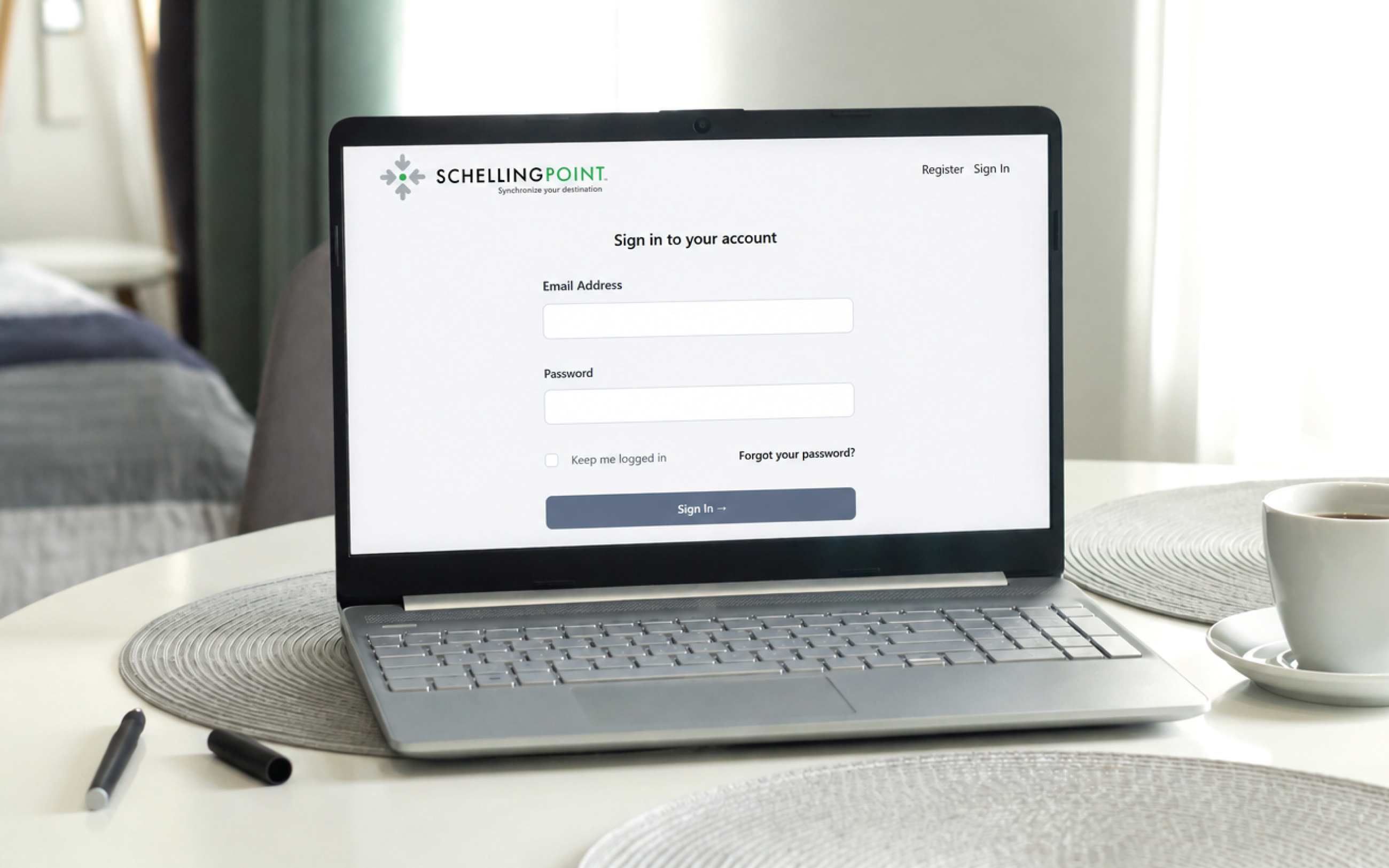
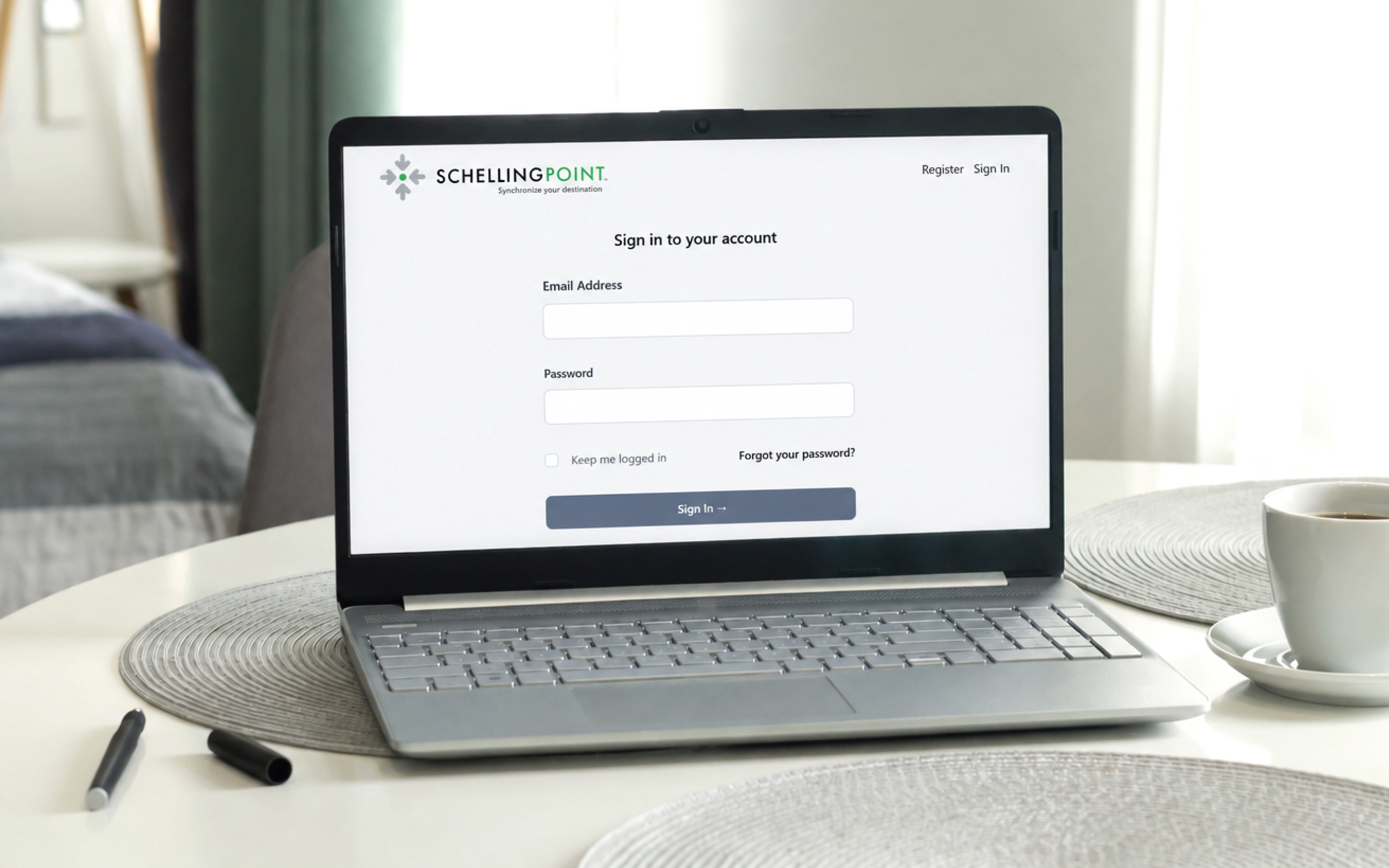
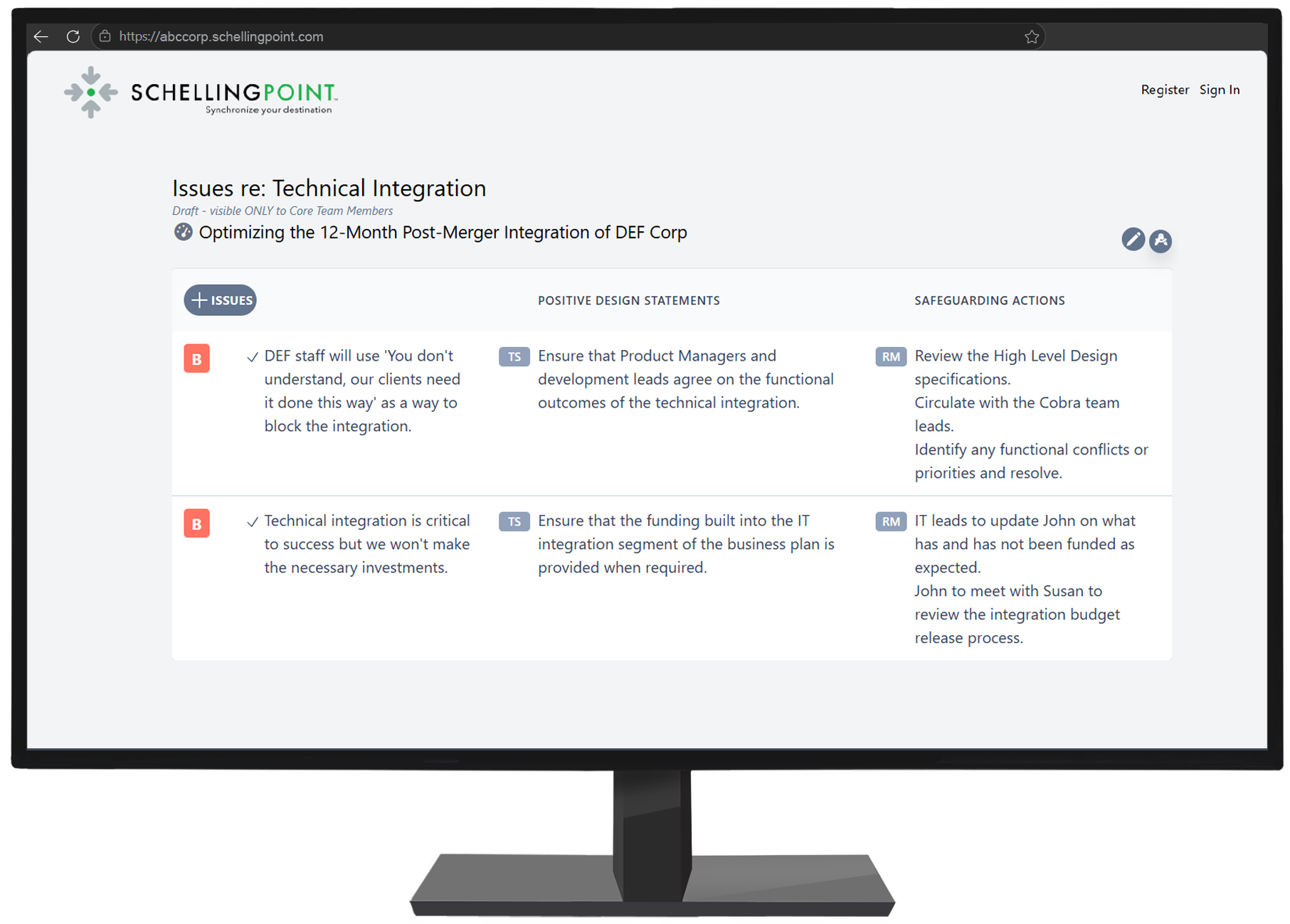
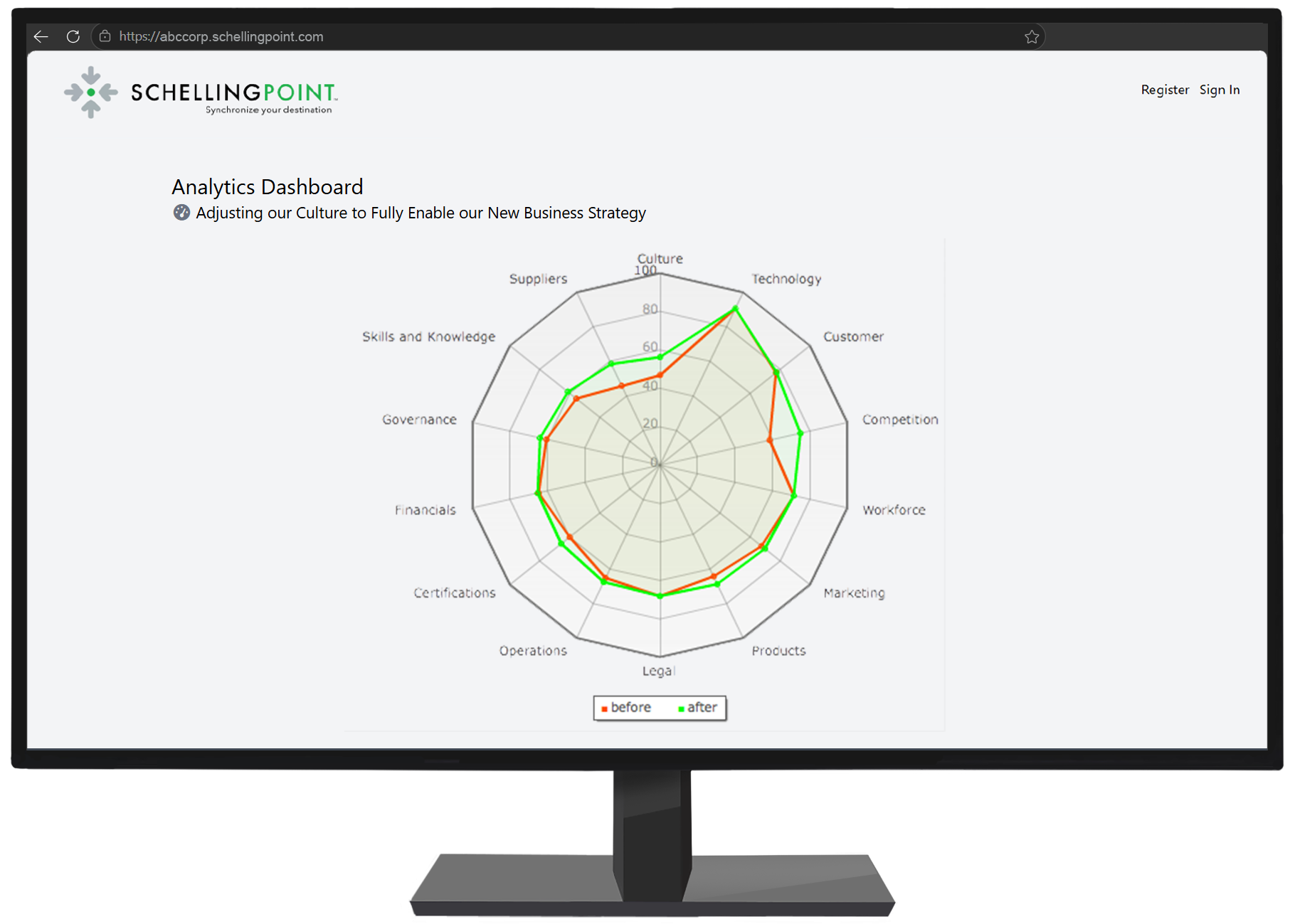
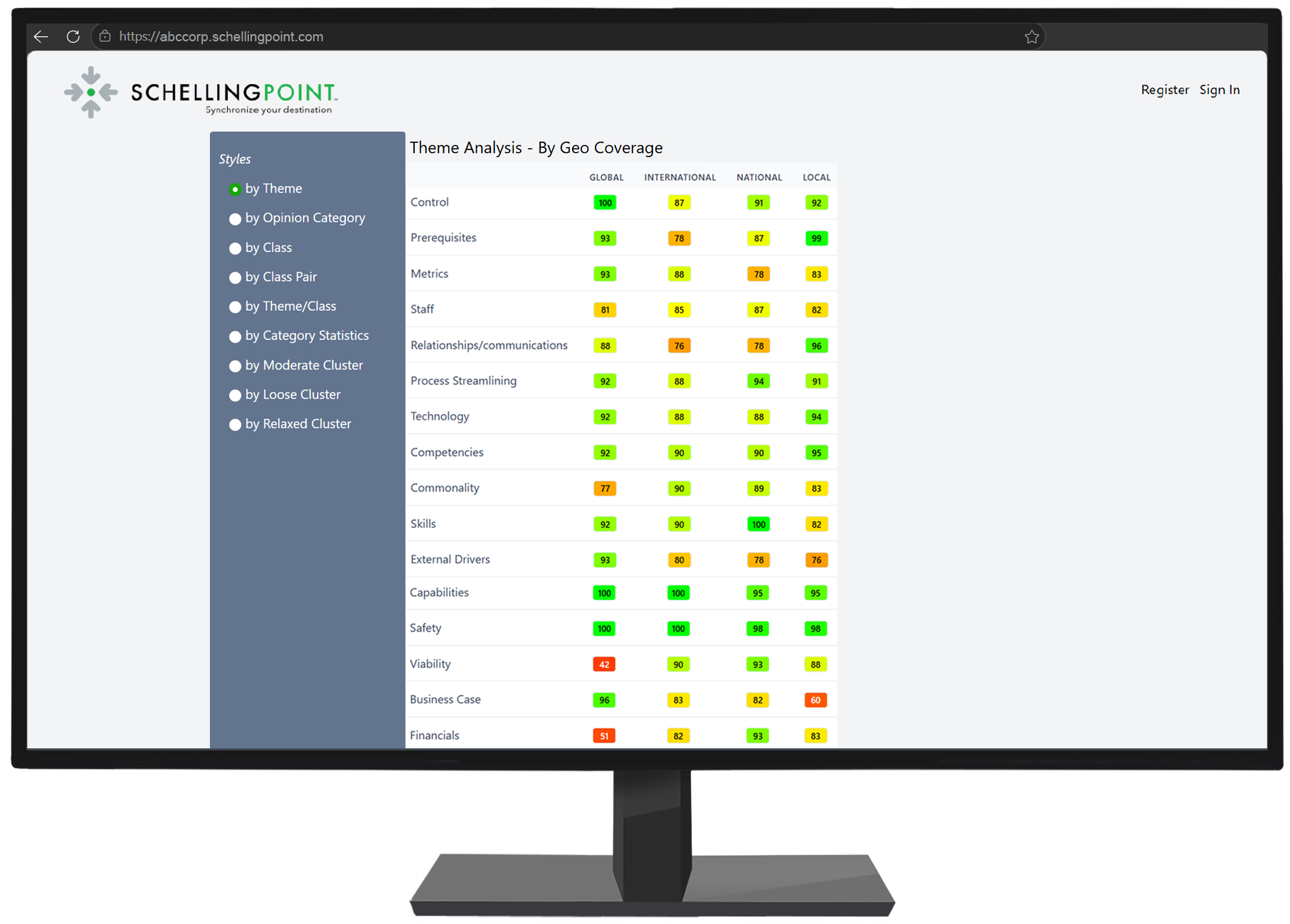
The platform is built for consequential, multi-stakeholder decisions - where the cost of getting it wrong could be significant and the people who need to commit to the outcome have different perspectives, priorities, and constraints.
Core Features
The following features operate across the platform.
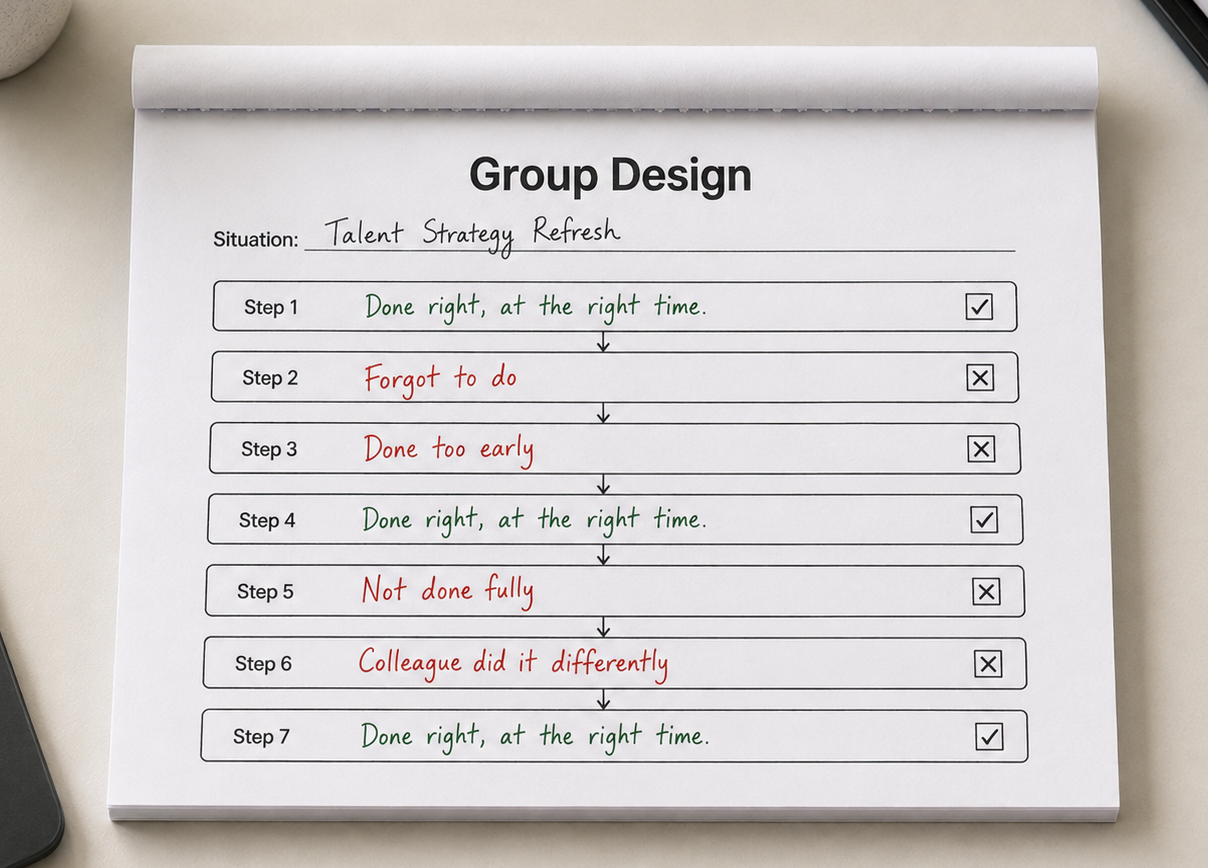
Workflow-Driven
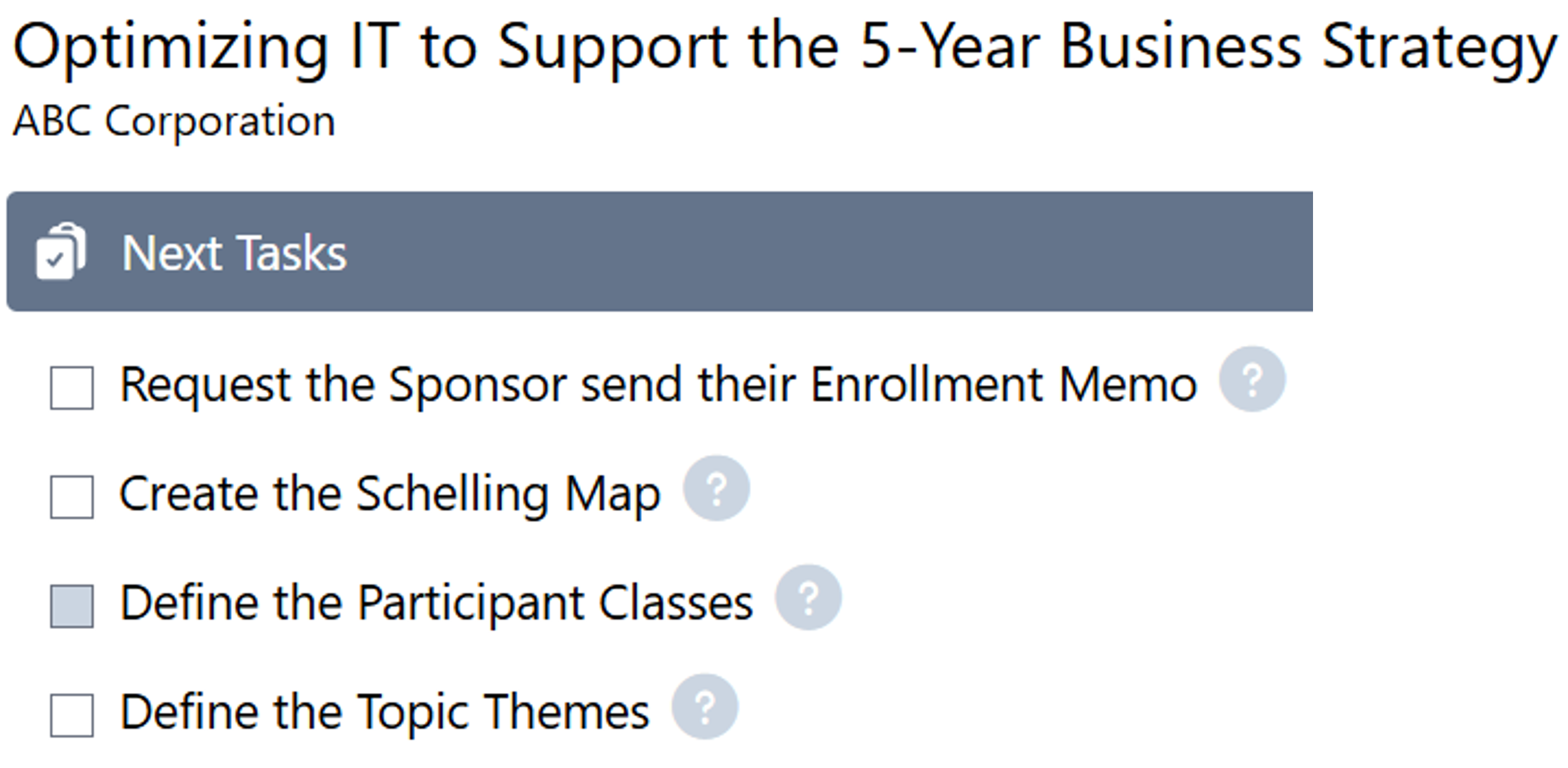
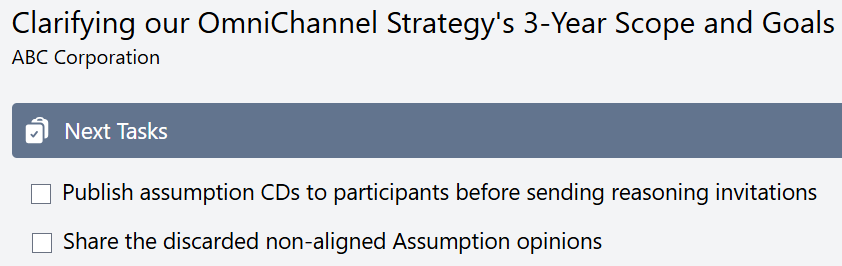
The software presents each step from start to finish so the Design Guide does the right thing at the right time and in the right way.
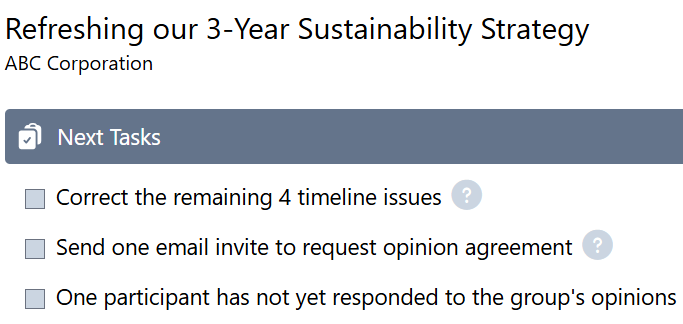
Tasks are marked complete and removed as they are performed, with online instruction available for every task.
Personalized
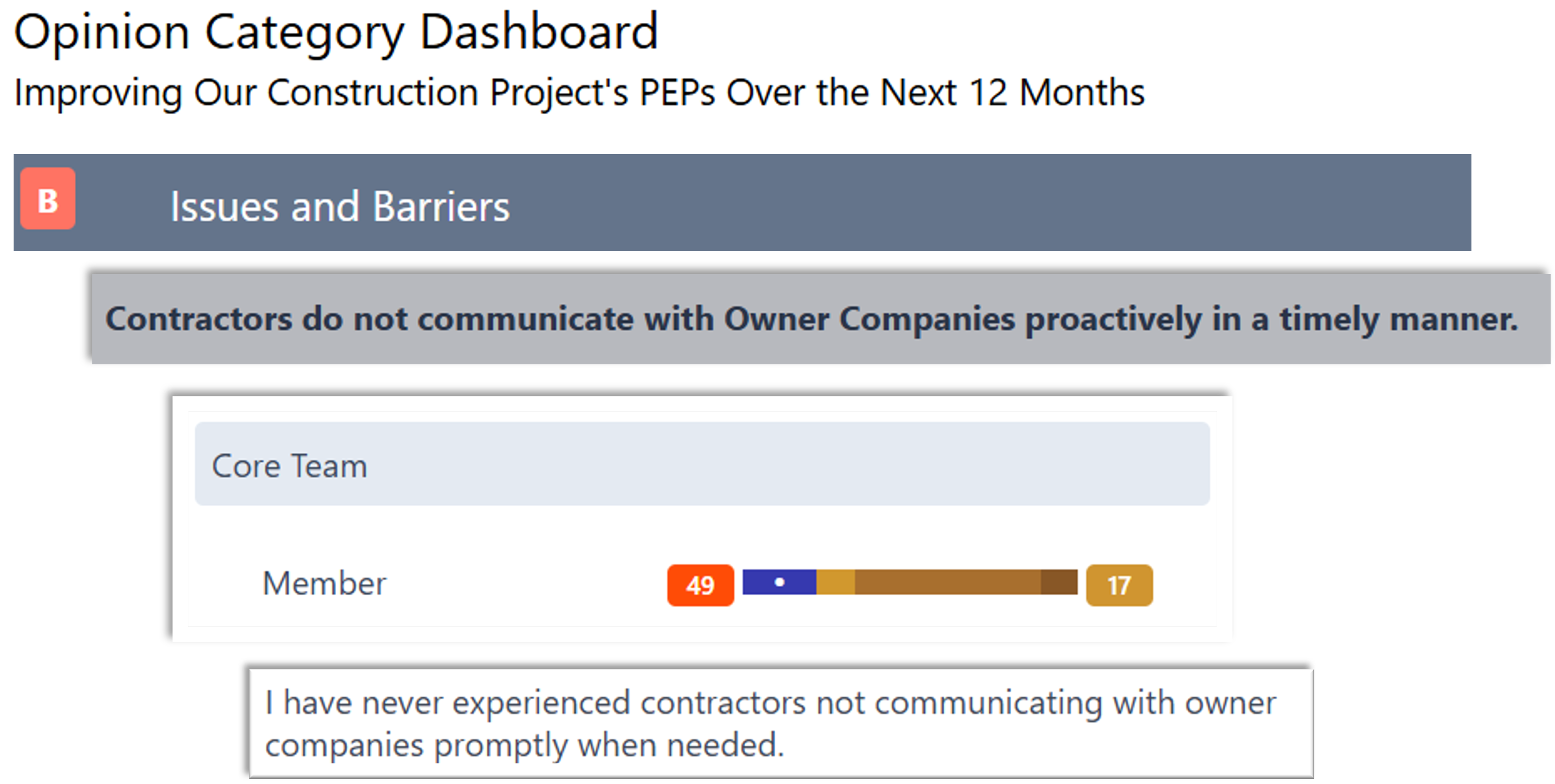
The software learns and recognizes each individual’s thinking on every item throughout the design process. Each person’s inputs are encrypted in the database and visible only to the author with attribution.
Three Collaboration Depths
Restrict the process to a defined group. Allow others to provide input and optionally see work-in-progress. Or allow everyone input into each step and see the results before moving to the next step.
Automation
The software identifies the administrative actions required and performs them. For example, opinions are themed, tagged, and promoted to the appropriate output document when the group concludes each discussion.
Guiding Hand
The software knows what must be done, by whom, and when, and notifies the Design Guide before each due date.
Public/Private Topic Templates
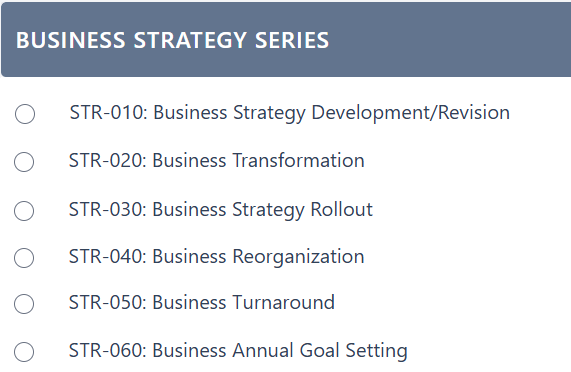
A library of over 140 pre-built templates for common Group Design situations - strategies, policies, project charters, etc. that are personalized to each unique situation.
Users can create private templates for repetitive topics. This allows them to codify their instituional knowledge, wisdom, and know-how for quality, scalable use.
Multilingual
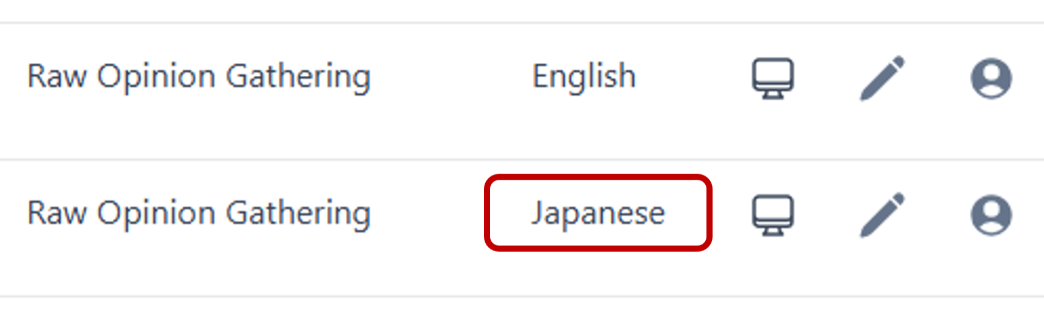
People can participate from any location around the world in their native language.
Real-time, bi-directional translation allows the Design Guide to use their preferred language with a multilingual group, all in the same room or everyone remotely located.
Integrated Email
A secure email server enables all required communications to be managed from the software.
Email Templates
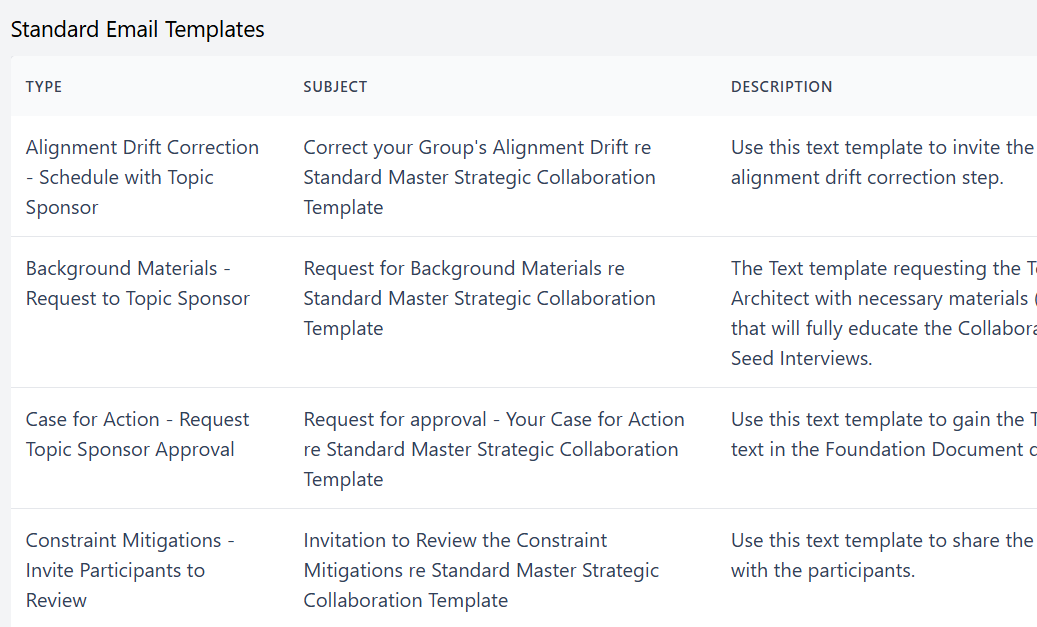
A pre-defined email template exists for every standard communication point with the leader, core team, and participants.
Visibility & Document Control
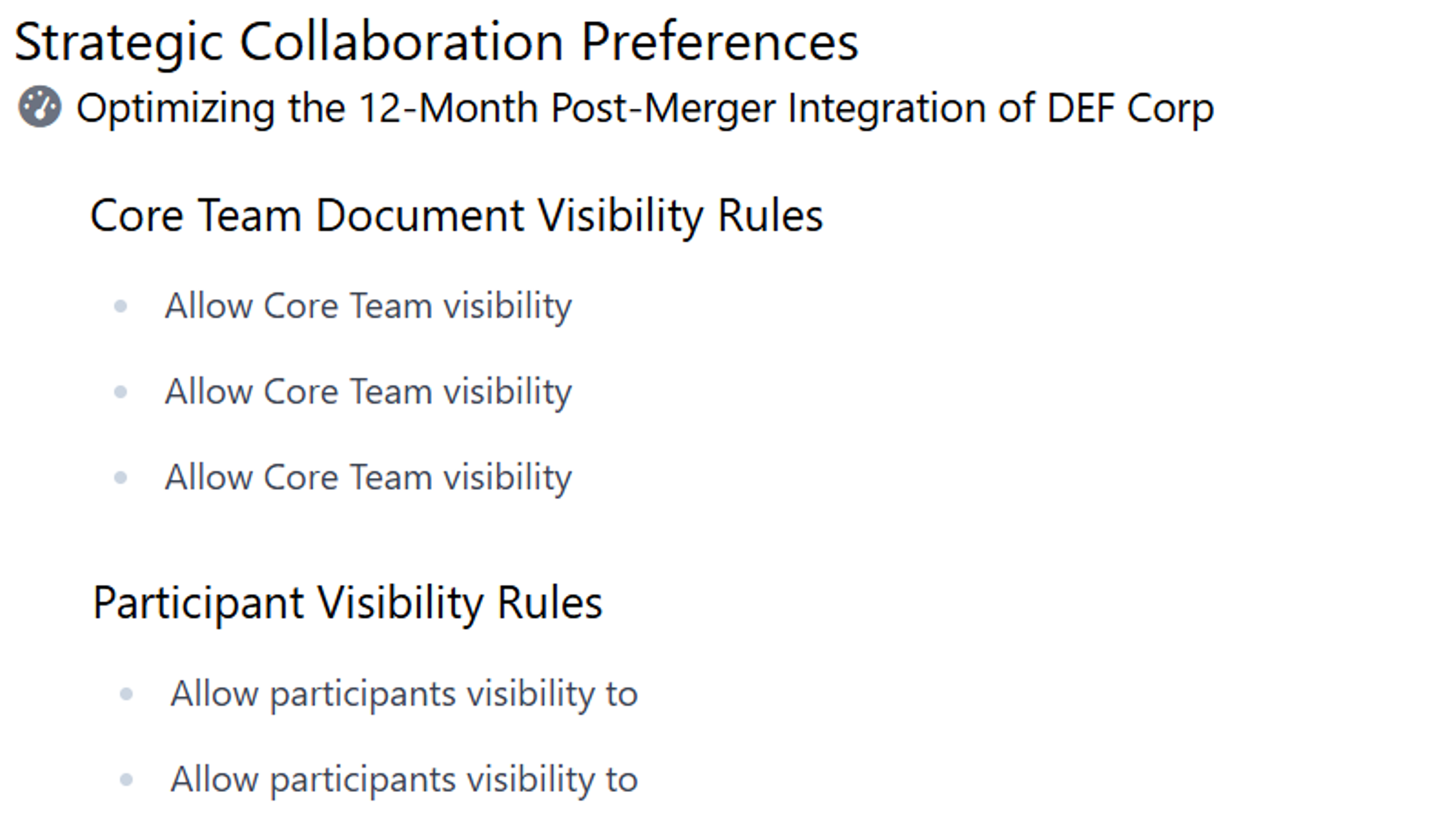
As the group's content moves from new input to work-in-progress, to approved output, access is configurable.
Privacy and Security
All input is non-attributable. Self-attribution is a choice. Exposure logic prevents triangulation to an individual. All content is stored fully encrypted.
A Modern, Professional User Experience
The software is designed around familiar interaction patterns from modern business software - including drag-and-drop controls, automatic saving, contextual side panels, and clear visual feedback.
The interface is clean, restrained, and straightforward to learn, making it suitable for live use with leaders, customers, and other stakeholders.
The Steps
The following steps can be conducted over a few hours or a few weeks. Each group's topic and needs differ, but the steps remain the same.
1. Scope
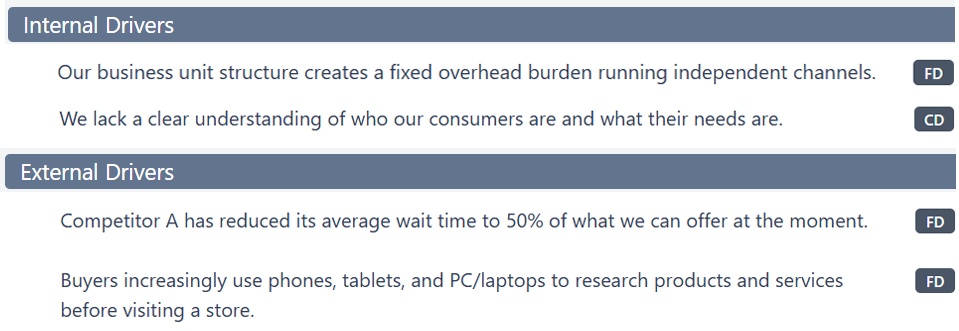
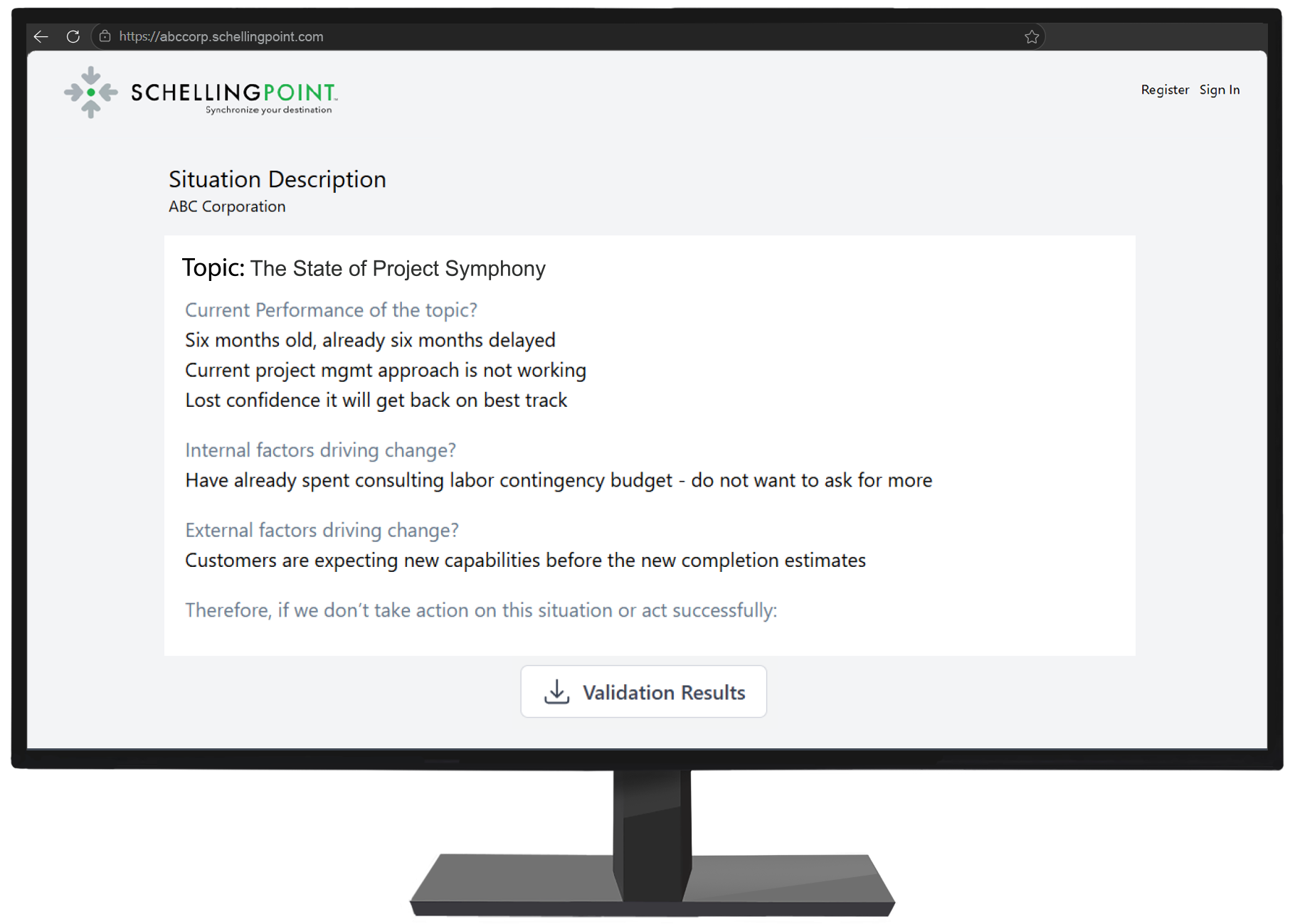
A group design of goals and actions is a unique response to a unique set of needs. As with any engineer-to-order product, the process needs to be given a sufficiently complete and accurate description of the situation, the context, and requirements.
2. Pinpoint
The situation's data and opinions need to be collected, from which the subset of which to discuss and in what sequence needs to be determined for the group to be positioned to design the best possible goals and actions.
3. Design
Group-based goals and actions require dialogue, different for different opinions and states. The participants are positioned to have the most effective and efficient dialogue, preventing the negative and fostering the positive aspects of group decision-making dynamics.
4. Correct
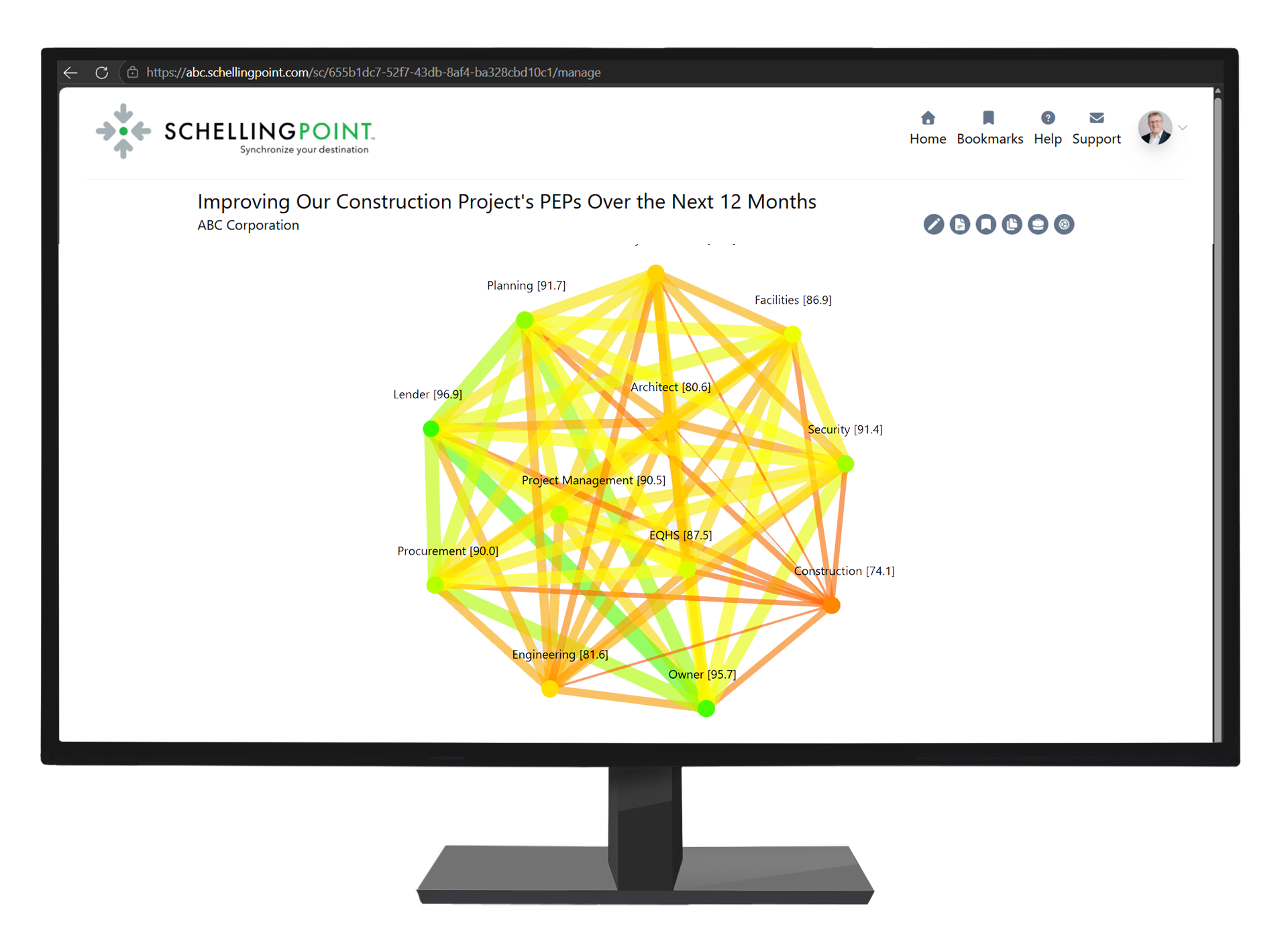
During implementation, a group decision's fit, feasibility, and alignment decrease, for at least nine reasons. Periodic drift corrections identify where and why drift has occurred so the group can respond to it.
5. Learn
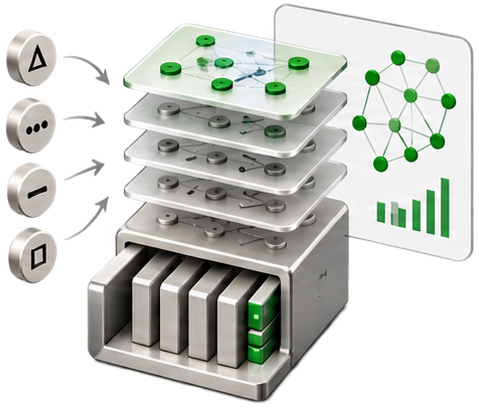
Each additional Group Design adds to the big data explaining how an organization's personnel convert data and opinions into goals and actions. The resulting Group Design signature can help adapt the process to their needs and identify development priorities.
Scope
> Reduce the time between signal awareness and readiness to respond from days and weeks to hours. > Charter a group with a sufficiently complete and accurate statement of requirements. > Use a universal approach that works for global transformation topics to small team subjects.
Summary Describe the trigger, context, and requirements; then identify what the Group Design must cover, who should contribute, and what information is needed.
Description Scope begins when a leader recognizes a signal and considers whether a group-based response is needed. Working independently or with others, the leader uses structured prompts to describe the situation and its requirements. Group Design AI reviews that input, identifies gaps, and helps develop a sufficiently complete and accurate requirements specification. It then draws on System Dynamics and other disciplines to blueprint the Group Design: what it must cover, who should contribute, which data to gather, and which opinion prompts to use.
Within one hour of a new shared-response situation being identified, a leader can have a complete and accurate model of the situation and be in a position to begin designing the goals and actions.
Pinpoint
> Replace manual, subjective, agenda design with an objective, optimized proposal. > Accept or decline the suggestions, aware of the impact on Fit, Feasibility, and Alignment. > Understand how more or less time, running late and running fast, affect the output.
Summary Gather the group’s data and opinions, measure initial likemindedness, and use the optimization engine to recommend which items to discuss and in what sequence.
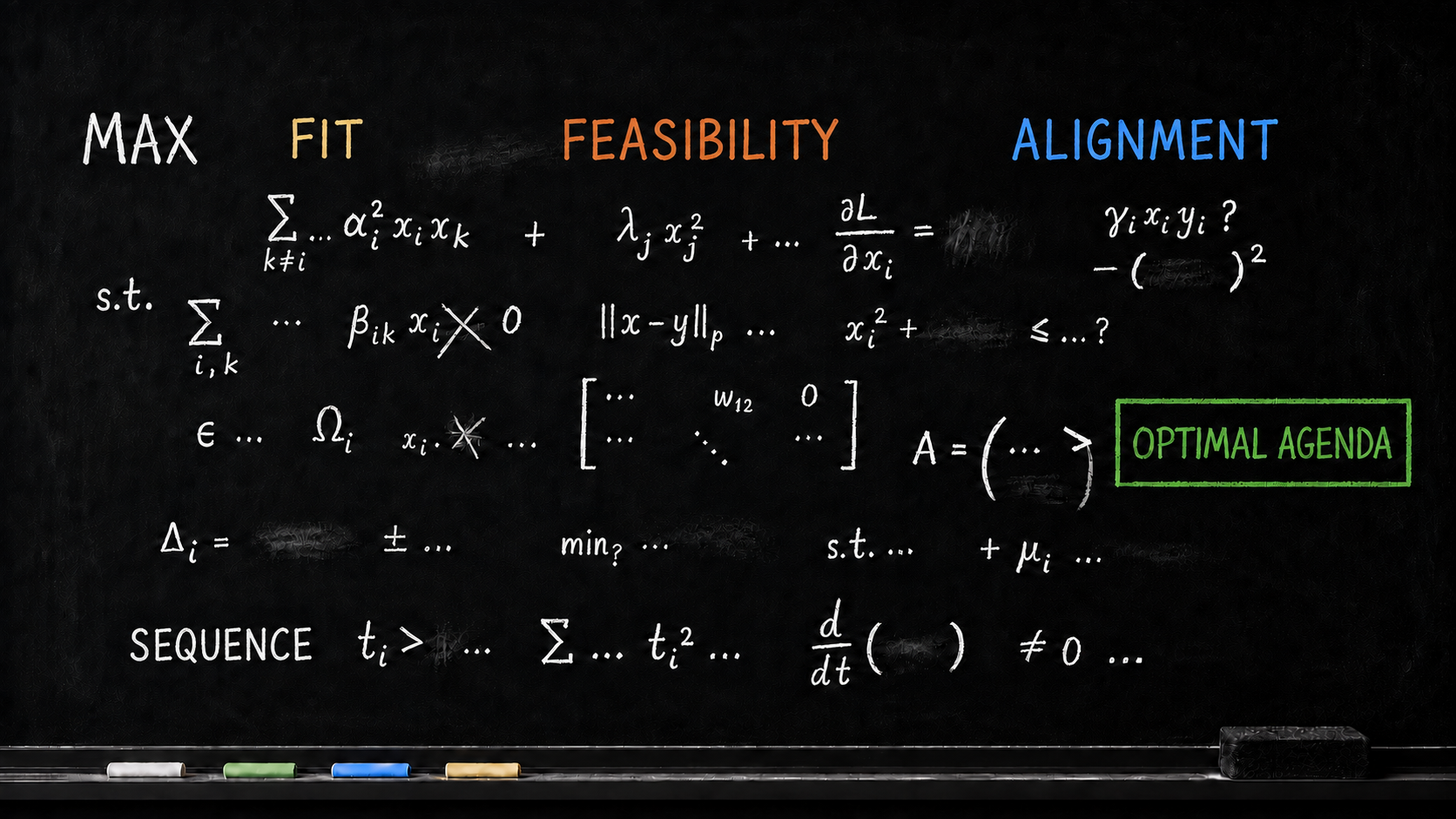
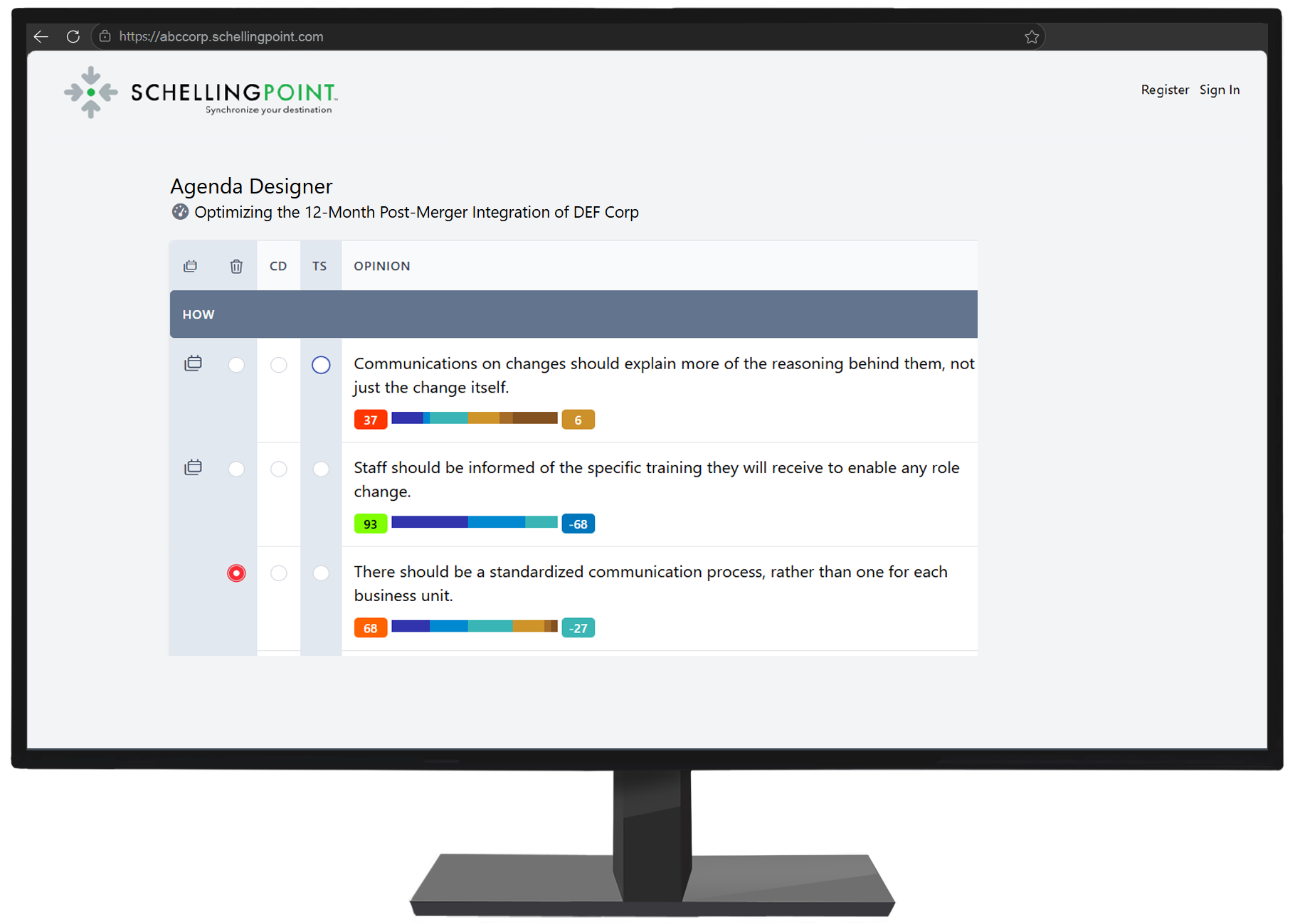
Description Pinpoint suggests the group’s agenda from the information gathered about its situation. Participants contribute their opinions independently through virtual dialogue, including views that may be difficult to raise in a meeting. The software analyzes those inputs to establish what the group thinks and where it is or is not likeminded. The Agenda Designer then uses the Group Design frames and optimization mathematics to recommend the items and discussion sequence that position the group to achieve the best balance of Closest Fit, Maximum Feasibility, and Sufficient Alignment.
Design
> Assemble the best possible goals and actions through a series of micro-agreements that build upon each other into the macro-agreement. > Replace meeting swirl, backtracking, and tangents with focused, reasoned convergence. > Know throughout where the group lands on each point.
Summary Use efficient dialogue techniques suited to each item to work through differences and build agreements that combine into the group’s goals and actions.
Description Design turns the prepared agenda into goals and actions through a sequence of focused dialogues. The group uses the dialogue method appropriate to each item and its opinion state, building micro-agreements that combine into the overall design. Methods such as virtual reasoning gathering and Collaborative Design help participants examine differences and converge on stronger agreements. The software supports the process and tracks where the group stands on each point as its goals and actions take shape.
Correct
> Drift Correction provides the mechanism for maintaining an optimal design during implementation. > Works as a diagnostic tool where implementation is underperforming, and a foresight and prediction tool to prevent underperformance. > Operates standalone or integrated into emergent (sprint) and deterministic (pre-staged) implementations.
Summary Identify the unavoidable changes affecting the design’s Fit, Feasibility, or Alignment during implementation, and determine where the goals and actions need revision.
Description Correct uses periodic Drift Corrections to identify where the Group Design needs to adjust to remain appropriate as implementation progresses. It surfaces changes in internal thinking and likemindedness, together with external changes affecting Fit, Feasibility, and Alignment. The group can then identify where its goals and actions need revision. Drift Correction complements implementation governance rather than replacing it: the focus is the continuing quality of the design, not whether delivery is on schedule or meeting performance targets.
Learn
> Expand your People Analytics to the mission-critical activity of managerial goal and action design. > Add your organization's Group Design metadata to your private data lake. > Answer important questions, test hypotheses, and surface new insights.
Summary Use data from successive Group Designs to understand current practice, identify patterns, and prioritize improvements in organizational capability.
Description Learn uses the growing body of data from successive Group Designs to examine how the organization develops goals and actions. Information about how groups use the process, together with the content they contribute and produce, supports analysis of recurring patterns and development needs. These insights can inform changes to the organization’s use of the framework and software, guide leadership and managerial development, and support continuing improvement in Group Design capability.
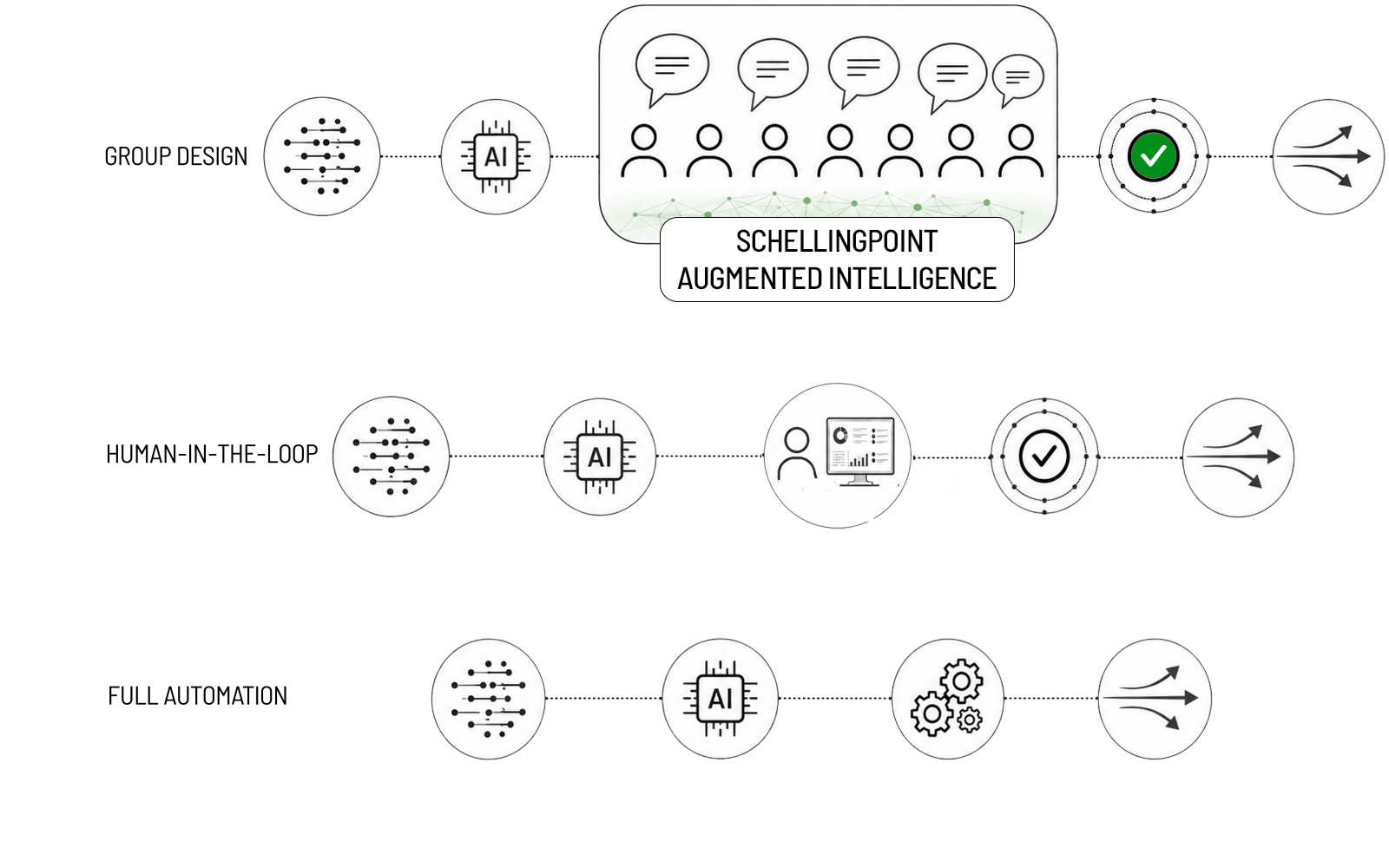
Decision process improvement.
Automation, rules-based systems and AI-enhanced workflows are being adopted at the tactical and operational layers.
The best Group Design requires private wisdom, knowledge, nuance, and know-how, processed through convergent, generative dialogue.
FAQ
Frequently asked questions
▲
What does SchellingPoint's software do?
▲
Can Optimal GDM be used without software?
▲
Is the software a replacement for training?
▲
What does the software do that people cannot?
▲
Do we need to learn Optimal GDM to use the software?
▲
How is this different from digital whiteboards, canvases and other collaboration tools?